Translations:Email notifications with Zapier/6/en
From SimplyBook.me
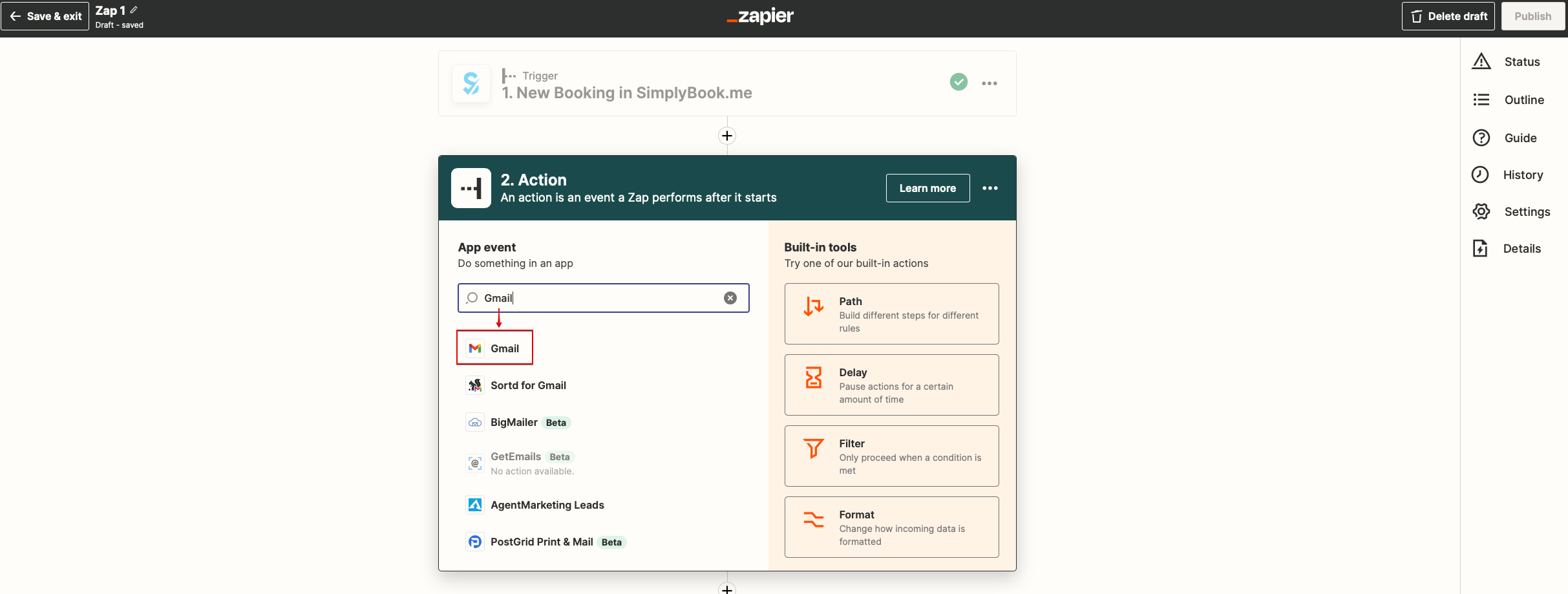
- 7. Now you will be setting up actions step and as it is related to emails please find Gmail option using searchbox.
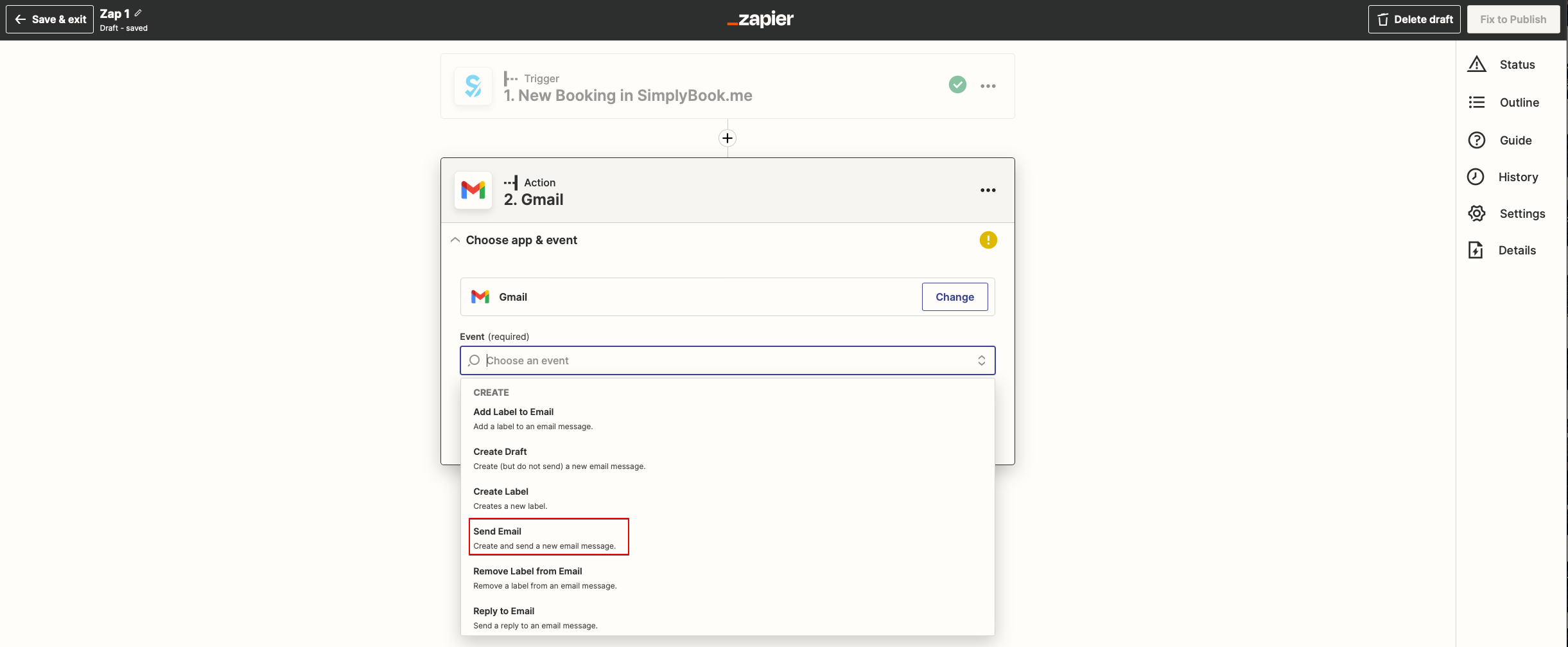
- 8. From the list of available actions please choose "Send email" and connect Gmail account that will be used for sending notifications.
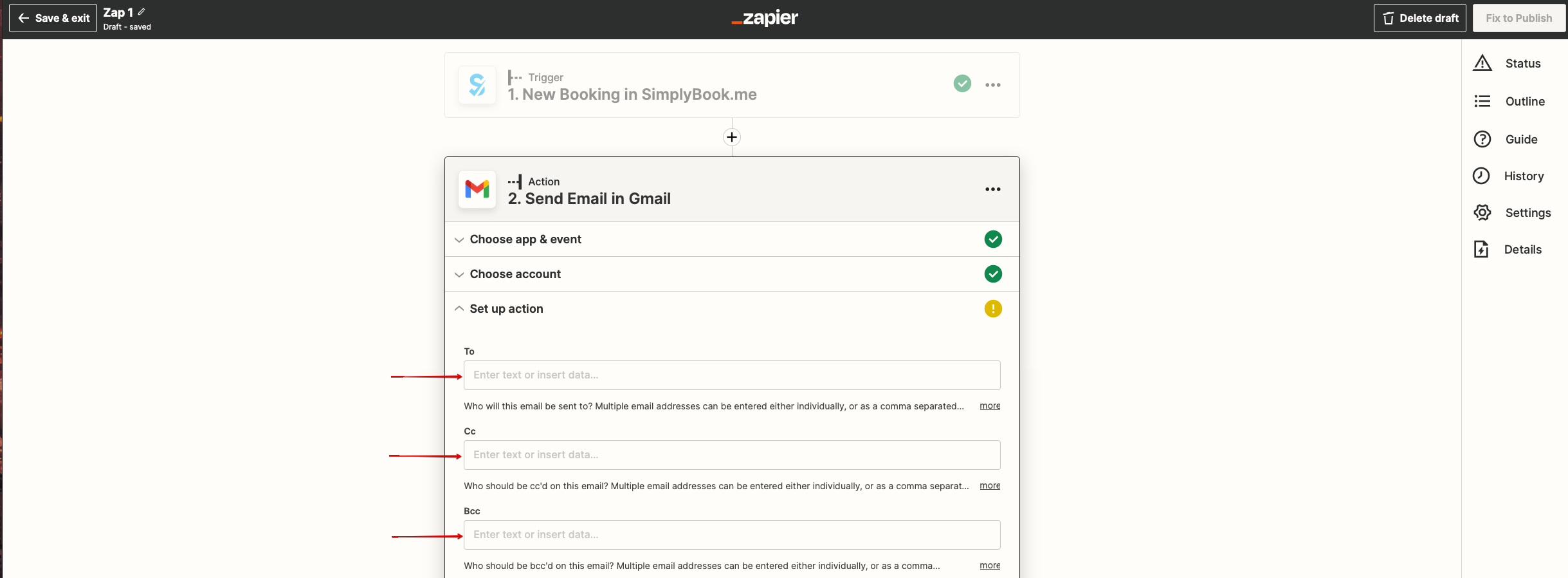
- 9. On the next step please add email address(es) that you wish notification to be sent to. You may add only one address in "To(required)" email box or add some more addresses with the help of "Cc" and "Bcc" options or by clicking on "+" icon to add another email box.