Translations:How to change the way time slots are shown/4/en
From SimplyBook.me
Slots Colors
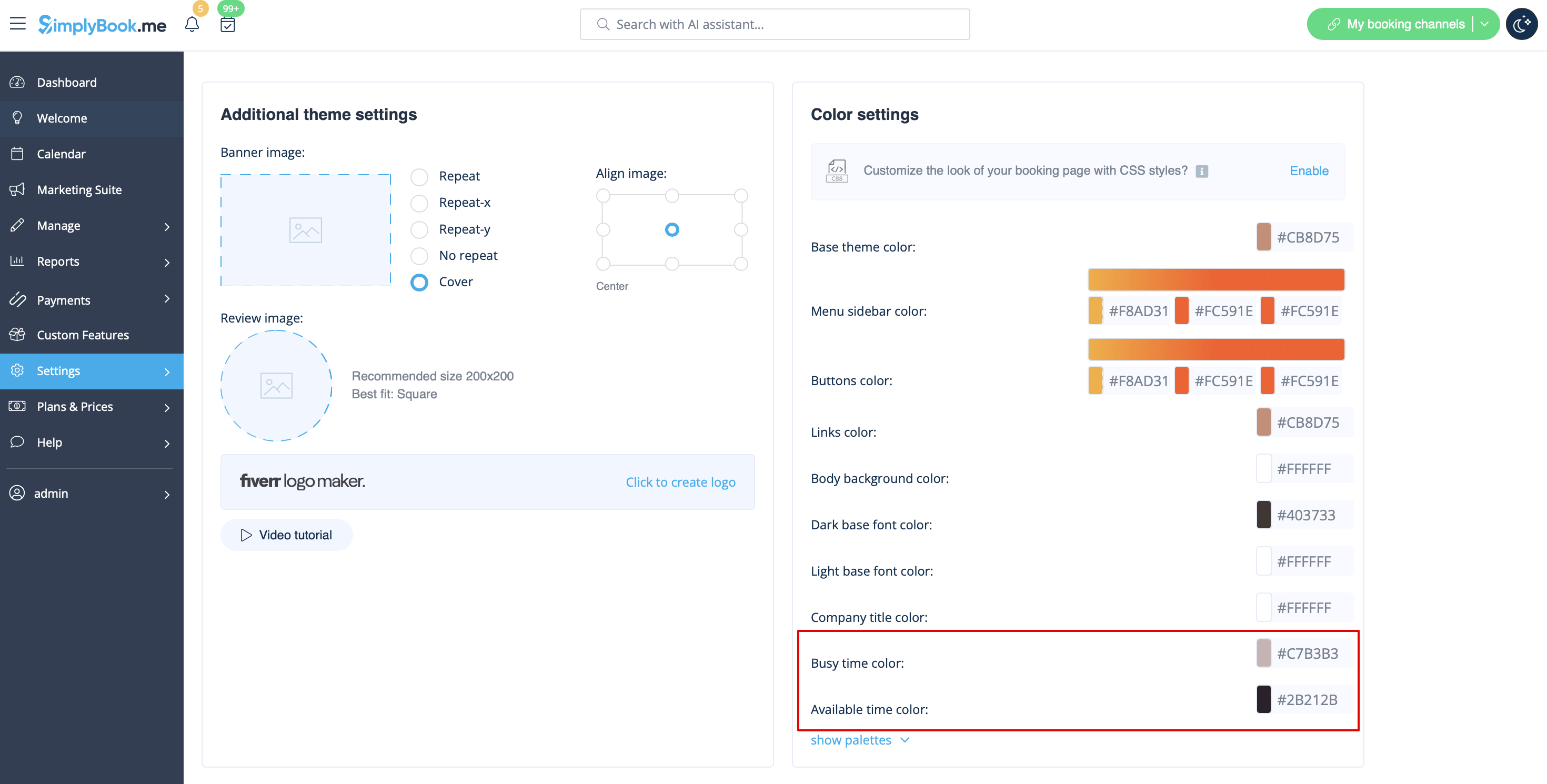
You can also adjust the colors for available and unavailable slots to your taste and your company brand colors. Almost any theme and calendar layout allow such adjustments.
Please navigate to Settings -> Design settings -> Color settings -> Busy time color / Available time color.
And here is the example of Slots Weekly calendar layout colors and legend on the client side:

