Translations:How to change the way time slots are shown/7/en
From SimplyBook.me
There are two types of datepickers:
- Inline datepicker is more compact as the calendar is hidden till the client clicks on the date above the timeslots and gets a pop-up that allows switching between months and dates.

- Top calendar adds two lines calendar at the top of timeslots(4-5 lines calendar on mobile devices) that are shown all the time and allow to switch between dates and months.

Sidebar
You may wish to show service and/or provider information on the time step. It is especially useful if you have only one service and provider and the booking process goes straight to timestep.
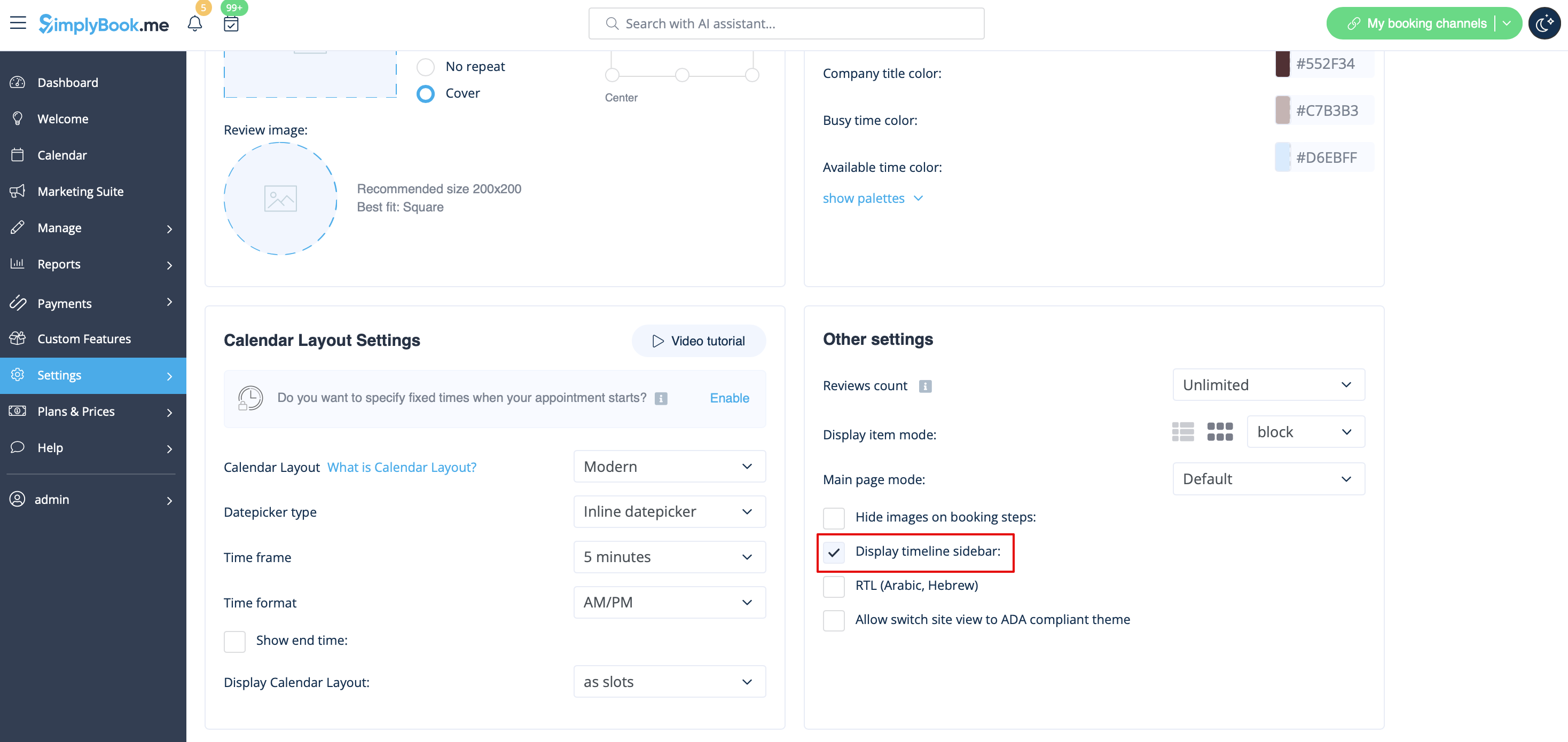
Certain themes support showing timeline sidebar.
To enable it please go to Settings -> Design settings -> Other settings -> Display timeline sidebar option.
Here is the example from Default theme:

- Please note! This sidebar is automatically hidden on mobile screens or within similar width(may differ or be absent at all depending on the theme).
