Translations:Where to change my info/5/en
Free:
You can create a new company with the desired name in url and manually transfer all data and settings there. You can create services and providers, and copy list of clients to new system with Import Clients Custom Feature (see instructions here). Bookings and other settings cannot be transferred.
Paid:
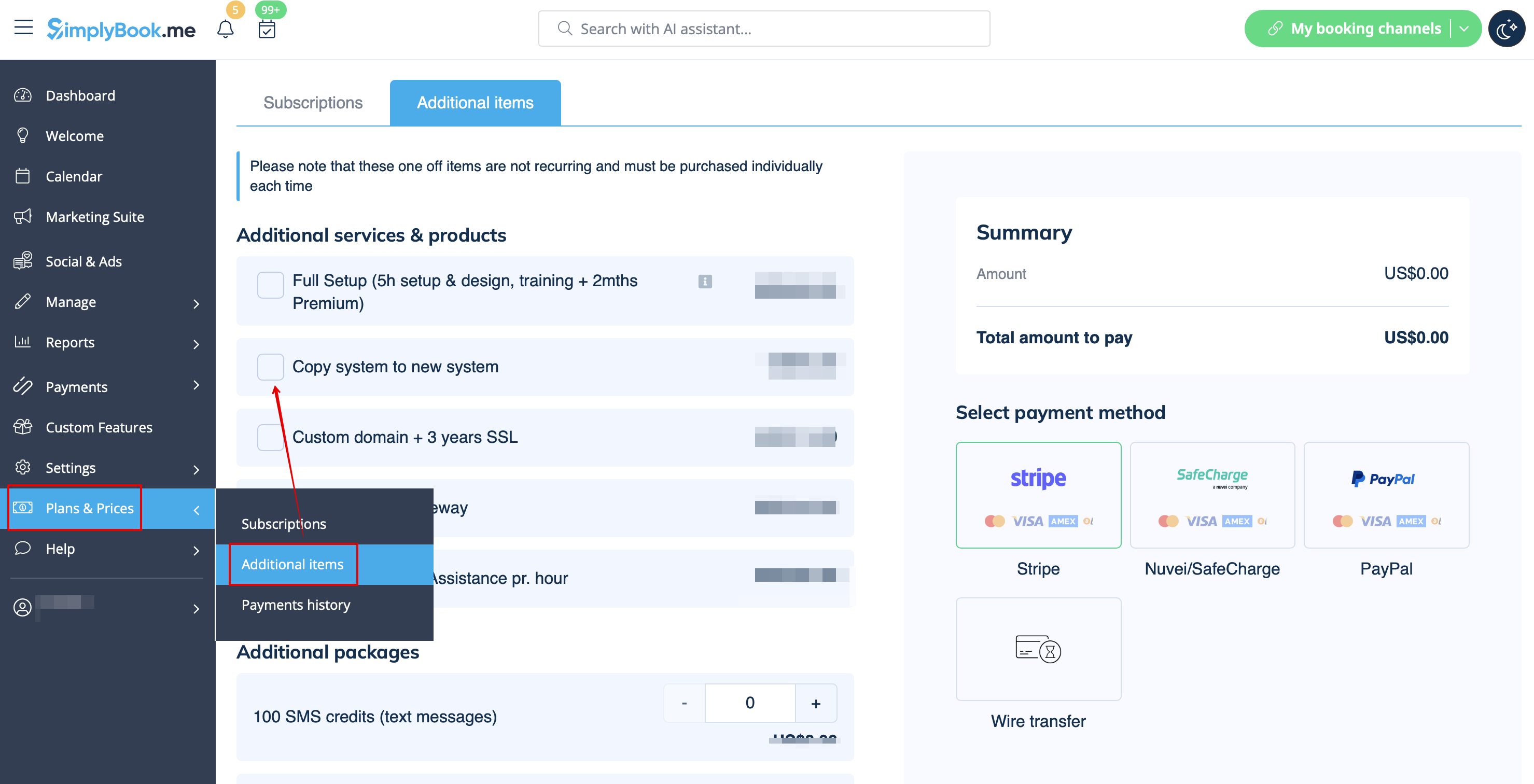
Create a new system with the desired name in url, go to Plans&Prices // Additional items and select "Copy system to new system" , make payment and our developers will transfer your data. After you made a payment, you need to contact support, tell them old company name and new company name (confirm ownership of both accounts), and request transfer of the system.
Please note! Reviews as well as HTML formatting in descriptions will not be copied to the new system.