Translations:Xero integration/14/en
From SimplyBook.me
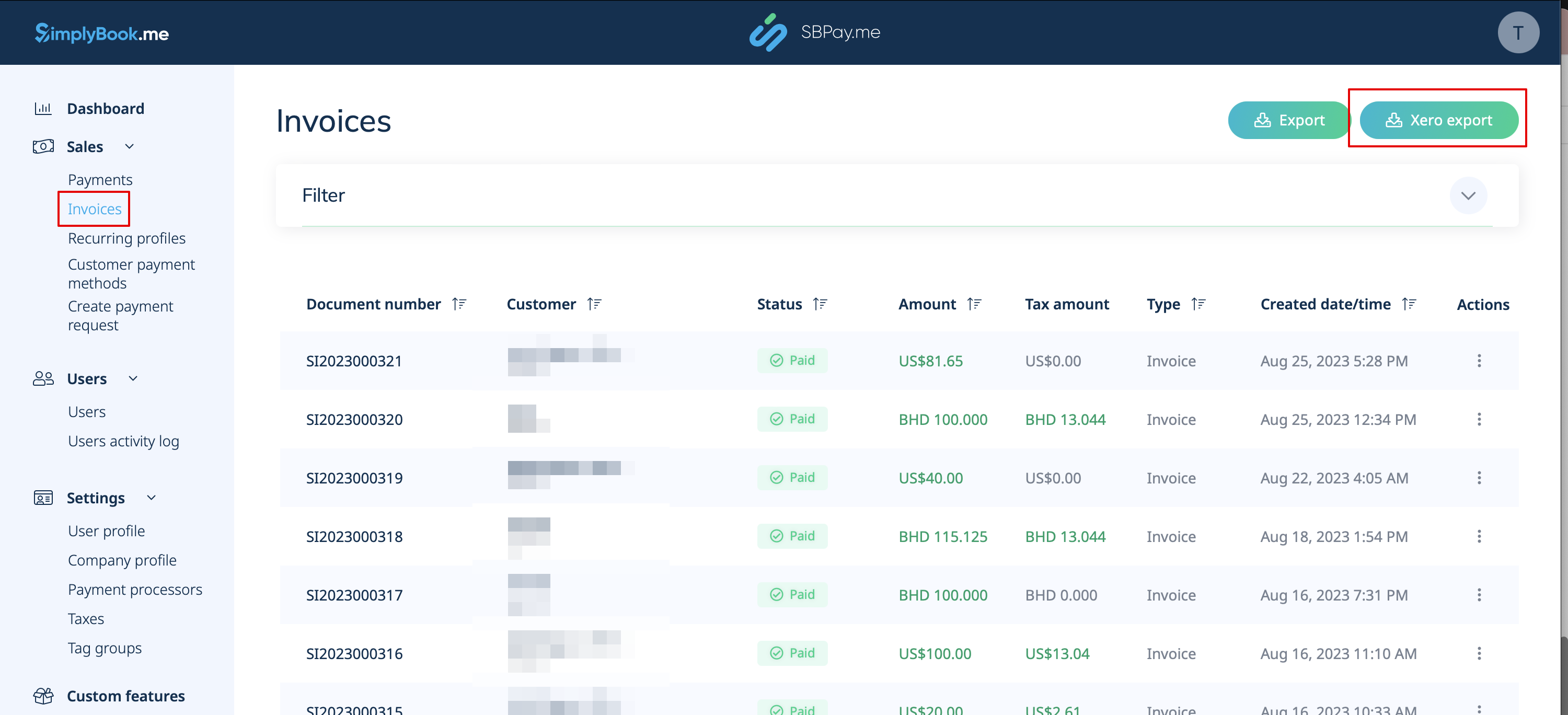
8. After enabling and configuring the Xero Custom Feature, you can now go to Invoices in your SBPay account and click on the Xero Export button to generate the .csv file which can be imported on the Xero side.