From SimplyBook.me
No edit summary |
No edit summary |
||
| Line 1: | Line 1: | ||
{{#seo: | |||
|title=Additional Bookings - SimplyBook.me | |||
|description=Allow clients to make extra bookings in one session. Expand your offerings with this feature. Click here to activate it! | |||
|titlemode=append | |||
|keywords=faq, frequently asked questions, booking software, appointment system questions, appointments online, calendar software, booking system, booking calendar, scheduling software, online appointment scheduling, online scheduling, setup, setup help, support, help content | |||
}} | |||
<br><br> | <br><br> | ||
Revision as of 15:44, 6 December 2024
Additional bookings can be purchased in Plans&Prices -> Additional items. Unlike bookings included into the subscription, additional bookings do not have expiration date (unless they are purchased together with the subscription as a part of a recurring profile or if it is written in the pack description). If you purchase such additional bookings, they will not expire until you use all of them.
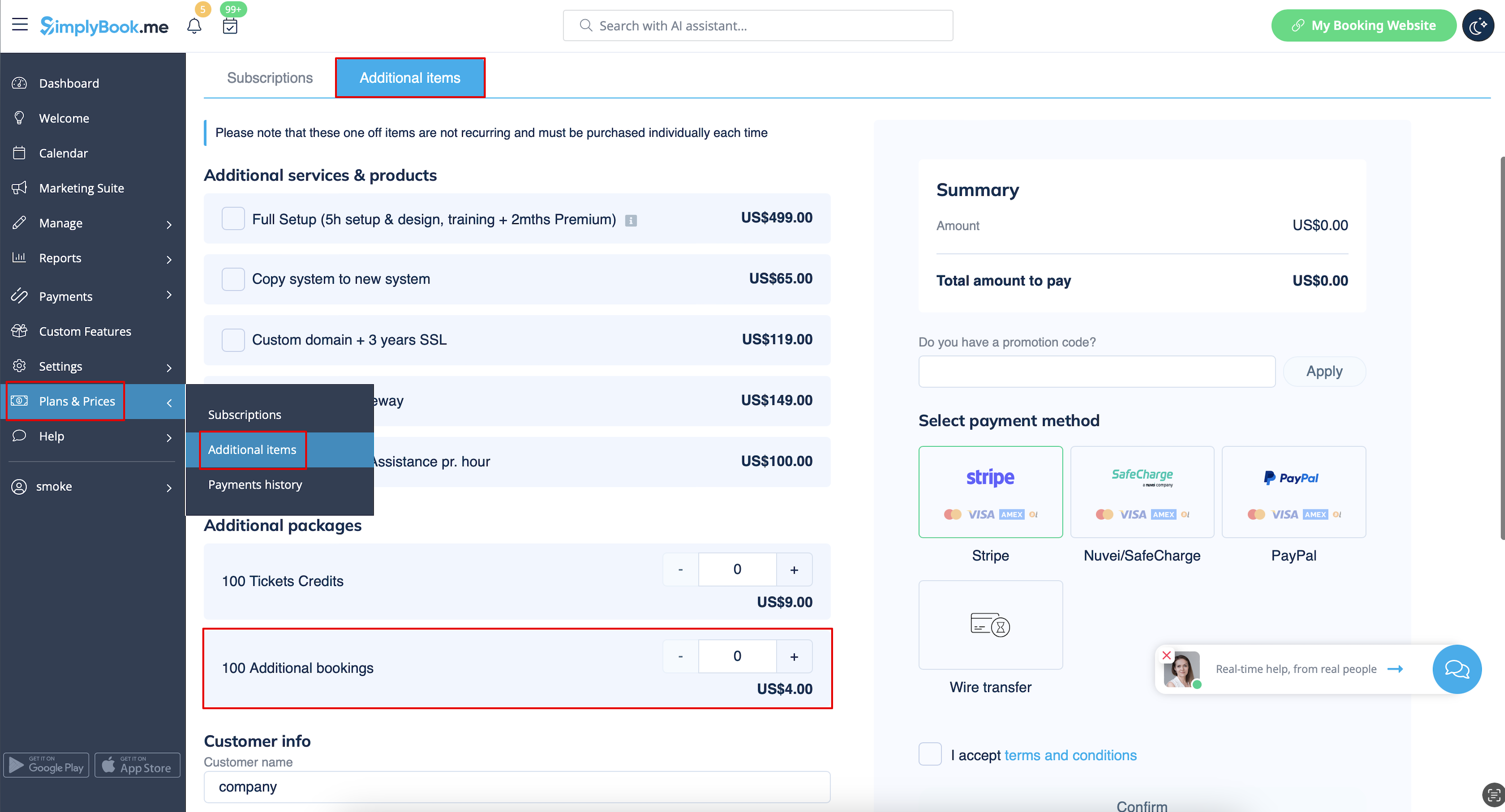
- Please note! Prices on the screenshot are only the example. Please check the pricing that applies to your account in Plans&Prices -> Additional items in your system.
